How to Install a Car Battery Safely: Cable Order, Torque Specs, and Computer Reset

Swapping a car battery at home takes a 10-millimeter wrench and thirty minutes. One strict rule keeps you safe: unhook the negative post first. Learn how to install a car battery without sparks. Always hook the positive post first, and set the negative ground post last.
Clean cable clamps and tight bracket bolts stop lead plate cracks from road bumps. Check your vehicle group size in our searchable car battery size database of 2,780 vehicle models before you unbolt factory parts.
How to Replace a Car Battery Safely: Essential Safety Rules and Required Tools
Replacing a car battery safely takes eye goggles, insulated tools, and a strict cable order. Lead-acid batteries give off hydrogen gas during use. Always pull the black negative cable first. This cuts the frame ground path. It also stops metal wrenches from throwing sparks against steel body panels.
Keep these four tools ready on your workbench:
- Wear safety goggles and shop gloves to guard against acid burns.
- Use a 10-millimeter wrench or a socket to loosen clamp bolts.
- Keep a small wire brush ready to scrub off white corrosion crust.
- Apply anti-corrosion felt pads or grease to keep raw metal posts clean.
Affiliate Disclosure: We earn a commission on qualifying purchases at no extra cost to you.
AstroAI Digital Multimeter
Reads resting battery voltage and alternator output on a clear digital screen.
Schumacher Terminal Brush
Dual steel wire brushes scrub lead posts and cable clamps clean of white corrosion.
NOCO Terminal Protector Spray
Oil-based barrier seals raw metal terminal posts against acid vapor and corrosion.
OBD-II Memory Saver Cable
Preserves radio settings, clock time, and car computer idle data during battery swaps.
NoCry Safety Goggles
Clear safety goggles shield eyes from sulfuric acid splashes during battery removal.
OEMTOOLS Battery Carrier
Rubber strap grips battery posts to lift heavy cases out of deep trays.
How to Disconnect Old Battery Cables: Why Negative Disconnects First
Always disconnect the negative battery cable first. The metal car frame acts as an electrical ground. If your wrench hits the car body while loosening the negative post, no spark flies. Pulling the negative post first breaks the ground loop. This protects delicate car computers.
Never loosen the positive terminal while the negative cable stays on. If a metal tool strikes the car body while touching the positive post, it creates a dead short. This massive short circuit melts steel tools in seconds. It can also crack the plastic battery case.
Remove the old battery in this order:
- Turn off the engine, pull the key, and let car modules sleep for ten minutes.
- Loosen the negative clamp nut, twist the clamp free, and tuck it aside.
- Loosen the red positive clamp bolt, lift the clamp off, and cover the post end.
- Unbolt the metal hold-down crossbar or bottom ledge bolt to free the battery box.
How to Install a Car Battery in 5 Steps: Positioning, Torque, and Terminal Order
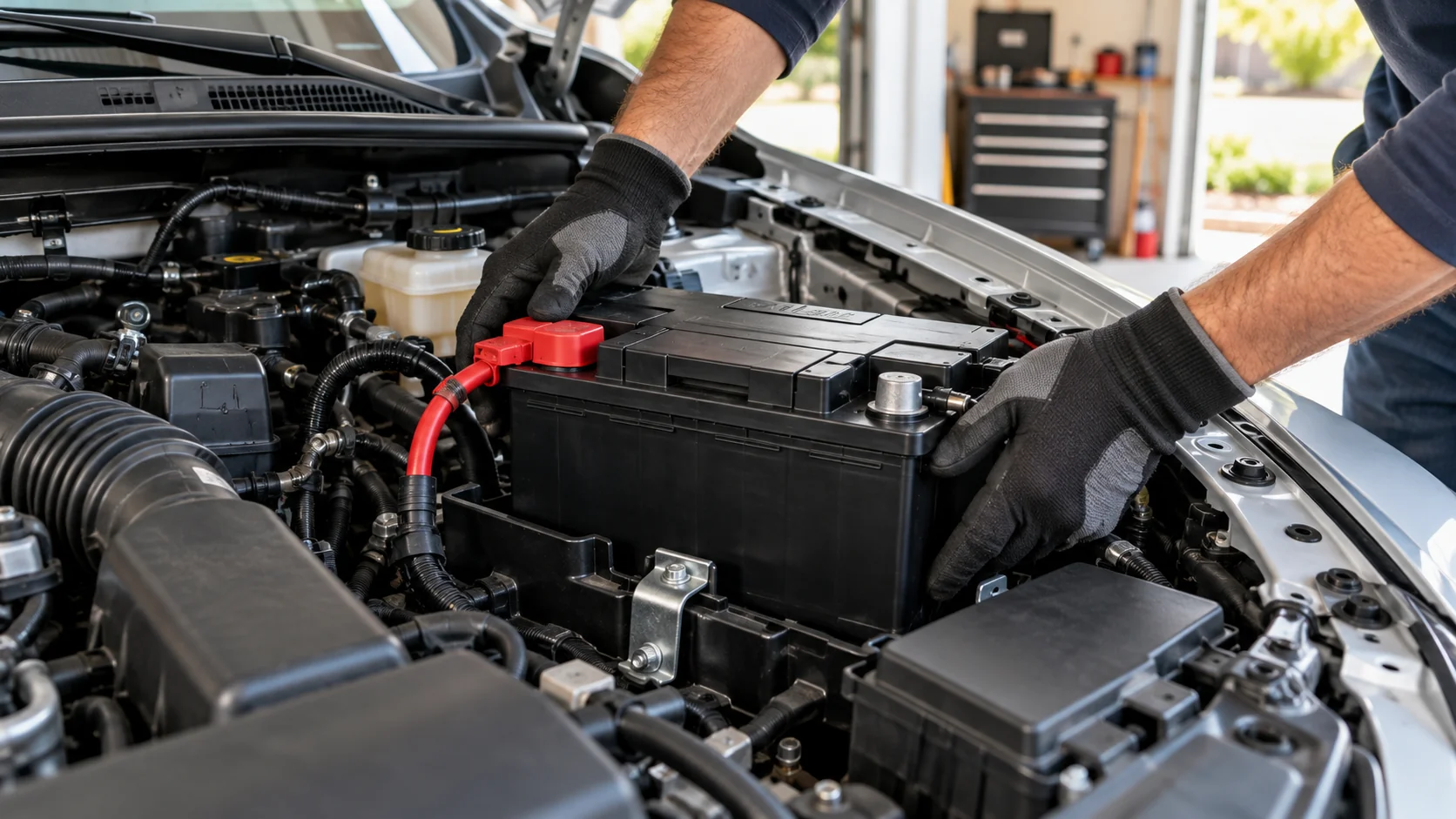
Installing a new car battery means setting the case on the tray, bolting the bracket, and joining the positive post first. Attaching the red positive cable first leaves the car ground open. Join the black negative cable last. This step completes the ground loop and stops dangerous power surges.
Check the bottom of the plastic tray for dirt or small rocks before lowering the new unit into place. Dirt under the battery case creates high stress spots. These spots can crack plastic walls under harsh road shock.
Mount and connect the replacement pack:
- Lower the battery case onto the tray. Confirm that post spots match factory cables.
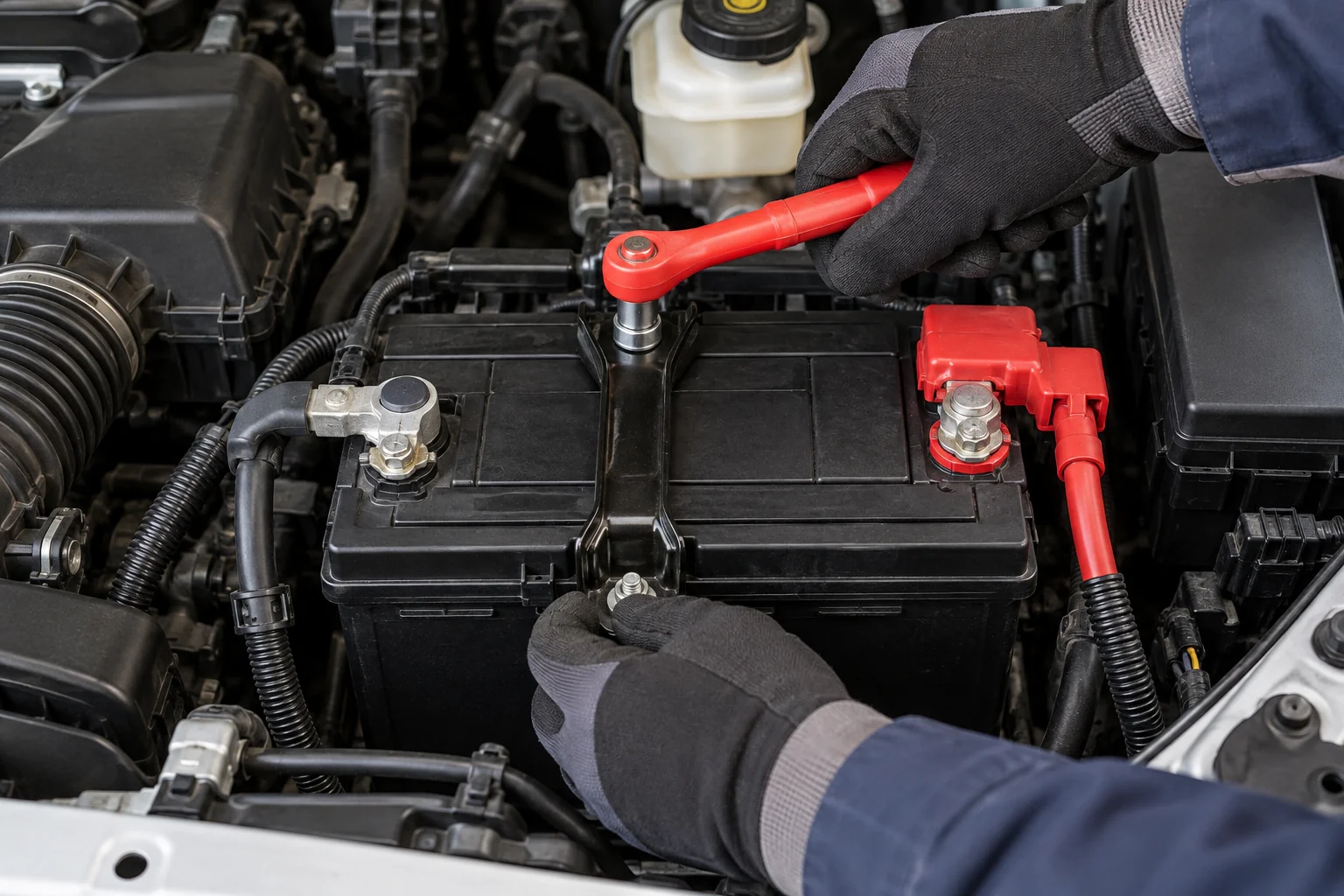
- Reinstall the hold-down bracket. Snug the bolts to five foot-pounds so the lid stays flat.
- Slide the red positive clamp over the post, and press it down flush against the post base.
- Tighten the positive clamp nut so the terminal cannot twist by hand.
- Attach the black negative cable to the post, and torque the clamp nut snug.
How to Replace Damaged Battery Cables and Terminals During Installation
Fitting new battery cables or terminal clamps restores clean power when old factory wires suffer corrosion damage. Corroded lead clamps create electrical drag that acts like a dying starter motor. Replacing worn battery cables means unbolting the frame ground bolt and fitting a fresh copper lead.
Inspect factory battery cables for green copper crust under the rubber casing. Acid creeps up copper wire strands over time. This hidden damage creates high resistance that drops starter power on cold mornings.
If your battery terminals crack or lose grip, replace them with heavy cast lead or brass clamps. Spray clean posts with protective sealant to stop acid fumes from eating new metal.
Memory Savers and BMS Reset: Preventing Electronic System Errors After Installation
Modern vehicles need a battery sensor reset after installing a new battery. This step updates smart alternator charging rates. If you install a fresh pack without resetting the computer, the alternator keeps pushing high voltage. That extra heat boils fresh liquid acid and ruins new plates.
Plugging a memory saver tool into the OBD-II port saves clock settings, radio presets, and idle data while the main battery unhooks. Avoid touching live metal while using a memory saver because car wiring stays active.
Reset the battery sensor for your car make:
- On Ford trucks, flash the high-beam headlights five times, then tap the brake pedal three times.
- On BMW, Audi, and VW cars, plug in an OBD-II scan tool to register the new battery size.
- Review our verified guide on how to reset your car computer safely using garage tools.
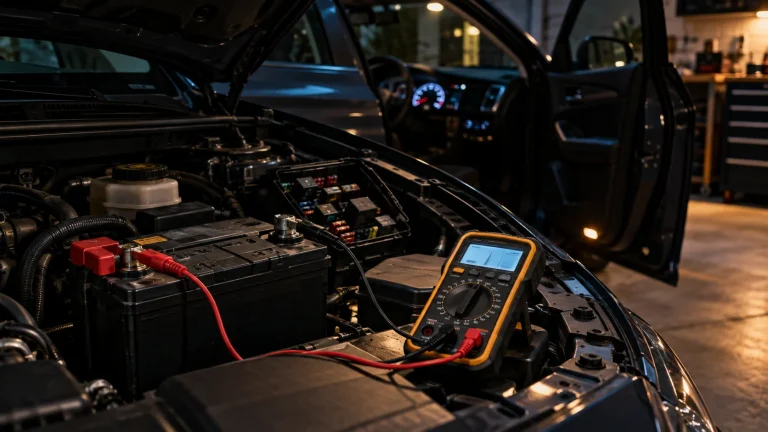
Start the engine and test alternator voltage across battery posts with a multimeter. Review our diagnostic breakdown on dead battery vs bad alternator tests if dash warning lights stay lit.
Frequently Asked Questions About Installing a Car Battery
When should I replace my car battery and how do you know it is bad?
Replace your car battery every three to five years, or sooner if you hear slow morning engine cranking. Test resting voltage across terminal posts with a multimeter after an overnight rest. A reading below 12.20 volts indicates weak capacity. Review our walkthrough on signs a car battery is dying.
How often should you replace a car battery based on climate?
Drivers in hot southern states like Florida and Texas should replace car batteries every two to three years. Intense summer heat speeds up internal grid rust and evaporates liquid acid. In cold northern climates, quality batteries last four to six years. Review our data on how long car batteries last.
Where can I replace a car battery and how much does it cost?
You can replace a car battery at home for 150 to 250 dollars by buying a unit from auto parts stores or Costco. Many retail parts stores offer free installation when you buy from them. Professional auto repair shops charge 250 to 450 dollars, which covers technician labor and computer reset steps.
What happens if you connect the wrong battery cables first?
Hooking the negative cable first raises the risk of accidental electrical shorts. If your metal wrench touches the positive terminal and bare frame metal, dangerous sparks fly. Hooking positive first and negative last keeps you safe during installation.
Do I need to charge a brand new car battery before installation?
Most retail car batteries come charged to 80 or 90 percent capacity from factory warehouses. Test resting voltage before installation to confirm the unit reads at least 12.50 volts DC. If resting voltage falls below 12.40 volts, connect a smart charger before mounting the pack into the vehicle tray.
Do I need to reset my car computer after installing a new battery?
Yes, modern vehicles with smart alternators need a battery sensor reset after installing a new battery. The reset tells the engine computer to lower charging voltage for fresh plates. Driving without a reset causes overcharging that shortens the life of your new battery.
How do you change a car battery without losing radio codes and memory settings?
Plug a 12-volt memory saver into your OBD-II port before removing the old battery cables. The tool feeds backup power from a small pack to keep clock settings, radio codes, and computer data alive while the battery is out. Avoid touching live metal while the memory saver stays plugged in.