How High to Mount a TV Above a Console Table (Avoid Neck Strain Formula)
Reader Disclosure: This post contains affiliate links. If you purchase through these links, we may earn a commission at no additional cost to you.
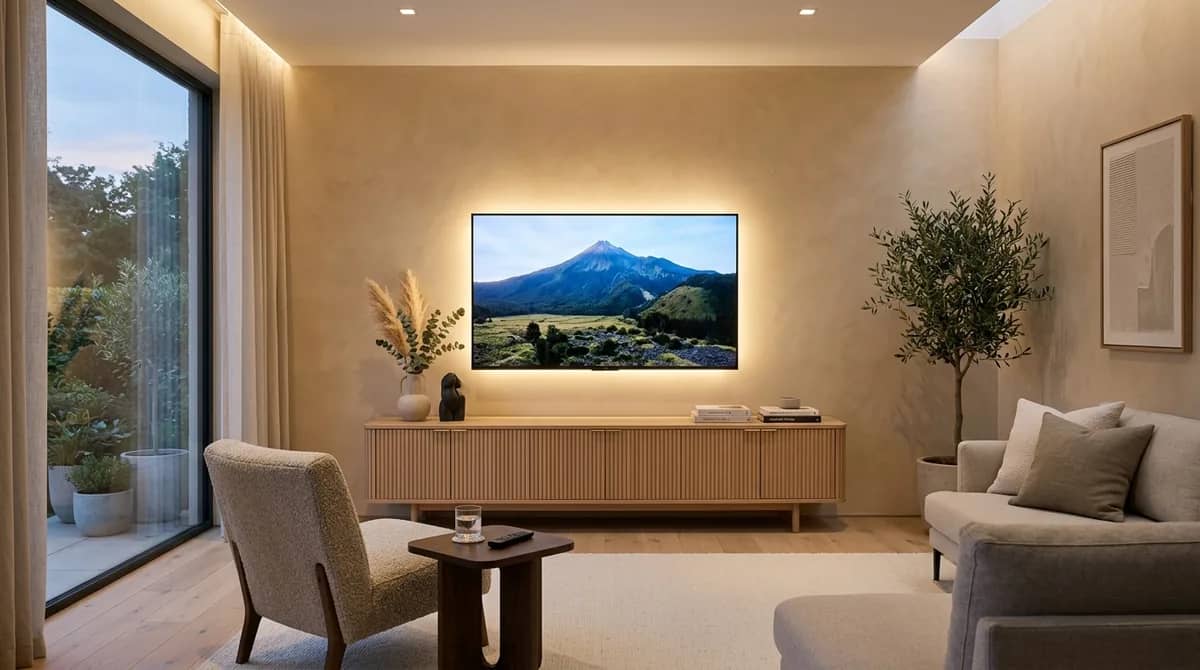
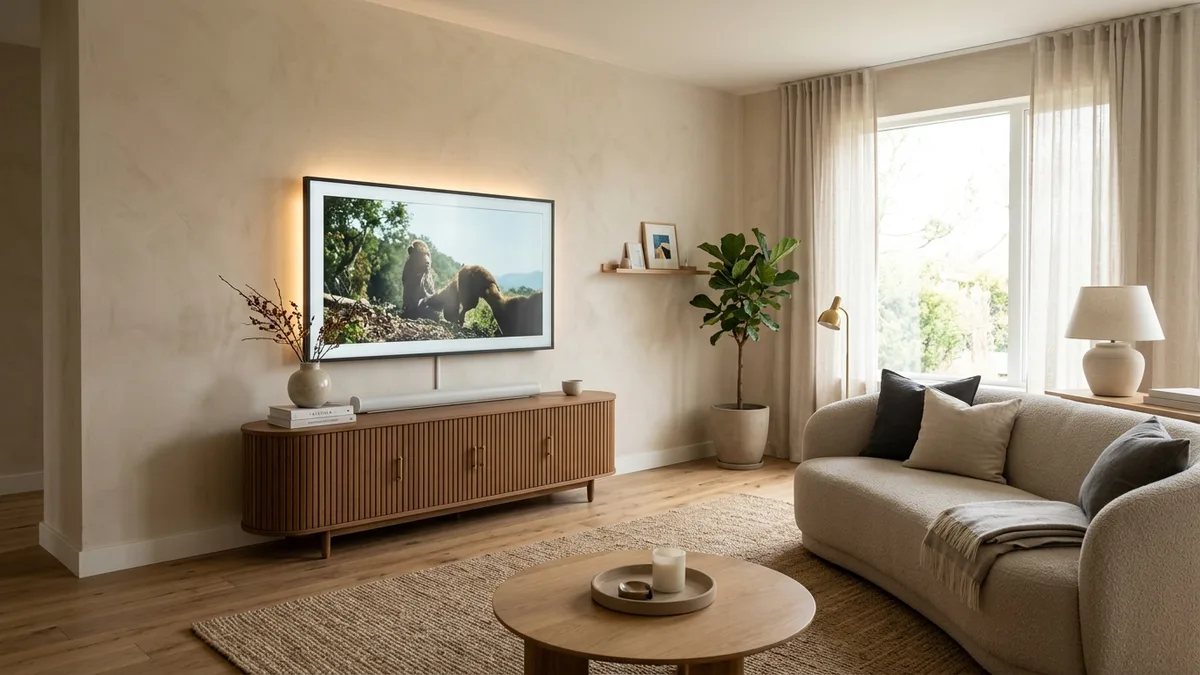
To mount a television above a media console table correctly, leave four to eight inches of vertical space between the bottom edge of the screen and the top surface of the furniture. If you place a soundbar on the console, maintain six to eight inches of space. If the surface remains bare, a four-to-six-inch gap anchors the display visually without leaving awkward blank wall space. Crucially, the vertical center point of the TV screen should sit forty-two inches above the finished floor to match comfortable seated eye level.
Mounting a television too high is the most common living room decorating mistake. Online communities like the famous r/TVTooHigh subreddit document thousands of living rooms where screens sit near the ceiling like airport arrival boards. This positioning causes neck strain, upper back fatigue, and headaches after a single movie. Homeowners make this mistake because they focus on wall symmetry instead of human seated ergonomics.
Achieving a cinema-quality living room requires balancing seated eye height with console furniture proportions. When you match screen size to furniture width and viewing distance, your setup looks custom-built and feels effortless to watch. You can also calculate your exact mounting measurements with our free interactive TV viewing distance and mounting height calculator before drilling into your drywall.
Quick Comparison: TV Mounting Heights by Screen Size
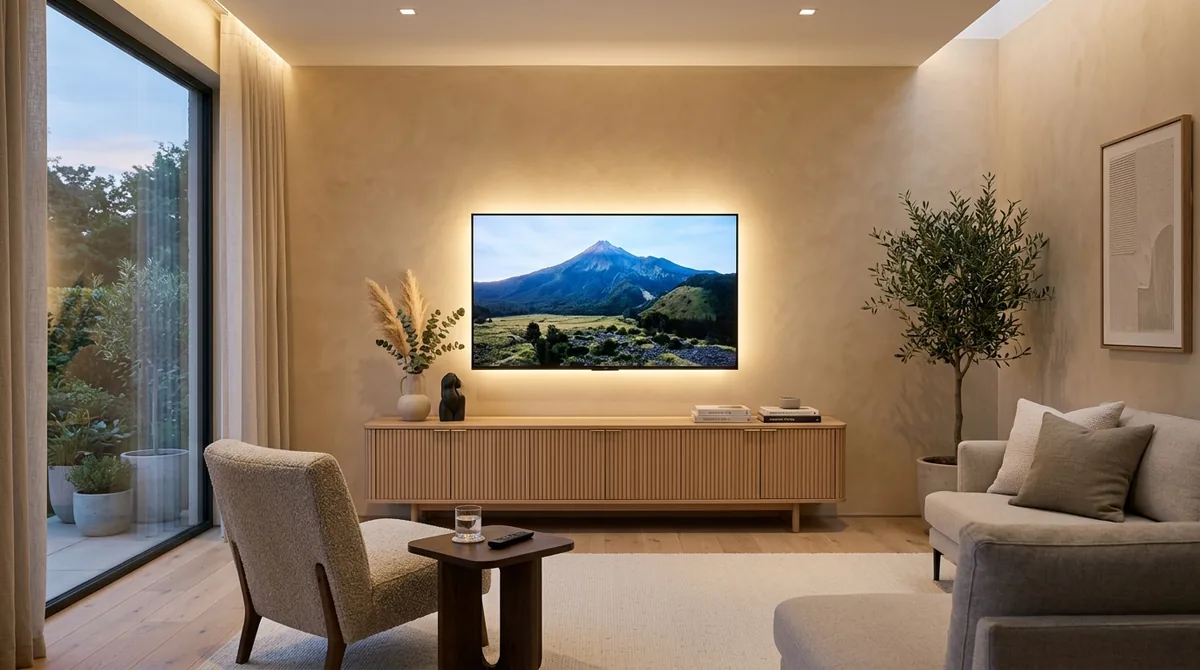
The ideal mounting height depends on your television screen size and the height of your media console. Larger screens have taller vertical dimensions. Because the screen center must remain at forty-two inches from the floor, larger displays require lower mounting points and lower console tables.
Use this reference matrix based on standard forty-two-inch seated eye height:
| TV Screen Size | Average Screen Height | Ideal Screen Center | Bottom Edge to Floor | Ideal Console Height |
|---|---|---|---|---|
| 55-Inch TV | 27 Inches | 42 Inches | 28.5 Inches | 22 to 24 Inches |
| 65-Inch TV | 32 Inches | 42 Inches | 26.0 Inches | 20 to 22 Inches |
| 75-Inch TV | 37 Inches | 42 Inches | 23.5 Inches | 18 to 20 Inches |
| 85-Inch TV | 42 Inches | 42 Inches | 21.0 Inches | 15 to 18 Inches (Low-Profile) |
Calculate Your TV Mounting Height in Seconds
Every living room has unique sofa cushion heights, recline angles, and wall layouts. A deep leather sectional sinks lower than a firm sofa. If your sofa cushions sit lower than eighteen inches, your custom eye level may drop to forty inches from the floor.
Before putting pencil marks on your wall, verify your setup. Enter your sofa seat height, screen size, and console table dimensions into our interactive TV viewing distance and mounting height calculator to get exact drill hole locations.
The Biomechanics of Eye-Level Viewing: Why 42 Inches Matters
The forty-two-inch rule comes from human physical anatomy. When an adult sits on a standard sofa with an eighteen-inch cushion height, their relaxed eye level rests forty to forty-four inches above the floor. Keeping the screen center at this horizontal line allows neck muscles to remain relaxed.
Doctors and physical therapists warn that tilting your head upward by more than fifteen degrees compresses cervical vertebrae. It also causes eye dryness because eyelids open wider when looking upward. Enthusiasts on r/TVTooHigh often mock the downward tilt on wall brackets as the tilt of guilt. If you must tilt your television downward to view it from a living room sofa, you mounted it too high.
Downward bracket tilt belongs in hospital rooms, sports bars, or bedrooms where viewers lie flat on high mattresses. In a residential living room, a flat, zero-tilt wall mount at forty-two inches screen center gives you the most relaxing viewing experience.
The 4 to 8-Inch Rule Above Console Tables
The space between your television and media console bridges ergonomic comfort and visual design. A gap smaller than four inches makes the screen look cramped. A gap wider than ten inches breaks the visual connection between the furniture and the television. A four-to-eight-inch gap creates a balanced look.
Homeowners frequently fall into the console vs sideboard trap uncovered in r/hometheater discussions. Many buyers purchase thirty-four-inch-tall dining room buffets or entryway sideboards. They mistake these tall storage units for true media stands. If your console stands thirty-four inches tall, a sixty-five-inch screen mounted eight inches above it pushes the center to fifty-eight inches. That position forces severe neck strain.
Follow these spacing guidelines for your media furniture setup:
- Dedicated Media Consoles (20 to 24 Inches Tall): Always purchase true low-profile media credenzas. A twenty-two-inch-tall console allows you to mount a sixty-five-inch screen six inches above the surface while keeping the screen center near forty-two inches.
- Soundbar Clearance (6 to 8 Inches): If you place a soundbar on the console table, leave six to eight inches of vertical clearance. This prevents the soundbar from blocking the television infrared remote sensor and bottom bezel.
- Center Channel Speakers in Home Theaters: Home theater builders on r/hometheater recommend placing the center channel speaker on the top surface of the console. Aim the speaker upward toward seated ear level using rubber isolation wedges, and mount the television three inches above the speaker.
- Bare Console Tops (4 to 6 Inches): If you run in-wall audio or bookshelf speakers on separate stands, keep the gap tight at four to six inches. This creates a clean, grounded appearance.
Screen Size to Console Width: The Golden Two-Thirds Ratio
A television should never be wider than the console table beneath it. When a wide screen extends past the edges of a small table, the setup looks top-heavy and awkward. Interior designers apply the two-thirds proportion rule to keep visual balance.
Your television should span roughly sixty to seventy-five percent of your media console total width. The console table should extend at least three to six inches beyond the television frame on both the left and right sides. For example, a sixty-five-inch television measures about fifty-seven inches wide. Pair it with a media console that measures at least seventy inches wide.
For an eighty-five-inch display measuring seventy-four inches wide, choose a media credenza between eighty-five and one hundred inches wide. Extra console width provides visual balance and offers room for decorative ceramic bowls, art books, or low table lamps. To coordinate living room furniture distances, consult our guide on how far a coffee table should be from your couch.
Optimal TV Viewing Distance Formula
Viewing distance dictates whether your television provides an immersive cinema experience or causes eye strain. The Society of Motion Picture and Television Engineers (SMPTE) recommends a thirty-degree field of view for general entertainment, while THX recommends forty degrees for movies.
Calculate your ideal viewing distance by multiplying your screen diagonal size by 1.2 for cinema immersion or by 1.6 for casual viewing. Here are the exact distance sweet spots for modern 4K televisions:
- 55-Inch Television: Sit 5.5 to 7.5 feet (66 to 90 inches) away from the screen.
- 65-Inch Television: Sit 6.5 to 8.5 feet (78 to 104 inches) away from the screen.
- 75-Inch Television: Sit 7.5 to 10.0 feet (90 to 120 inches) away from the screen.
- 85-Inch Television: Sit 8.5 to 11.5 feet (102 to 138 inches) away from the screen.
If your sofa sits ten feet away from the wall, a seventy-five-inch 4K television provides optimal clarity without pixilation. Ensure your living room lighting does not cast harsh reflections on the screen. Review our room lumen formulas in how many lumens you need for a living room to balance ambient light levels.
Clean Wire Concealment: Hiding the Black Spaghetti
Dangling black cords destroy the clean look of a wall-mounted television. Homeowners spend hours leveling their screen only to leave power cables, HDMI cords, and optical leads hanging down the drywall. Professional installers use two reliable methods to conceal cables safely.
Method 1: The In-Wall Power Bridge (Code-Compliant & Invisible)
Never drop a standard television power cord behind drywall. The National Electrical Code (NEC 400.8) strictly prohibits running flexible appliance power cords inside wall cavities because they create fire hazards. Instead, install an in-wall cable concealment kit.
These kits include pre-wired, code-compliant Romex wiring with upper and lower snap-in grommets. You plug your television into the recessed upper outlet behind the screen and connect the lower outlet to an existing wall plug with an extension lead. Dedicated pass-through channels carry HDMI cables alongside the power run with zero code violations.
Method 2: Paintable Surface Wire Channels (The Rental Solution)
If you rent an apartment or face solid concrete walls, you cannot cut drywall openings. Use self-adhesive, paintable D-line surface raceways. Snap cables inside the rigid PVC channel and paint the exterior with your matching wall color. The channel blends into the background wall cleanly.
Selecting the Right Wall Bracket: Fixed vs. Full-Motion Tilt
Selecting the correct mounting bracket ensures your television stays secure and accessible. Ultra-slim fixed brackets hold the screen less than one inch from the wall. This design mimics a flush picture frame. However, fixed mounts make plugging in new HDMI cords or soundbar cables difficult after installation.
We recommend installing a Sanus Advanced Tilt 4D TV wall mount. This bracket extends nearly seven inches from the wall to give your hands easy access to rear input jacks, then tucks back tightly. It also provides smooth fingertip tilt adjustments to eliminate window glare during bright afternoons.
Complete Pre-Drill TV Mounting Checklist
Before drilling holes into your wall, complete this step-by-step safety audit to prevent wall damage and crooked mounts:
- Locate Solid Wood Studs: Never trust hollow drywall anchors with an expensive television. Use a high-precision Franklin Sensors professional stud finder to pinpoint both edges and the center of your wall studs. Standard residential framing spaces studs sixteen inches apart on center. Drive heavy lag bolts at least two inches into solid lumber.
- Level the Wall Plate Twice: Use a precision magnetic torpedo level placed directly on the steel wall plate while you tighten your lag bolts. Check level again after hanging the screen, as bracket weight can compress drywall paper slightly.
- Check VESA Bracket Offsets: The mounting holes on the back of modern televisions rarely sit dead center. On many OLED panels, VESA holes sit low on the chassis. Measure from the bracket hooks to the bottom of your screen before drilling to ensure your four-to-eight-inch console gap remains exact.
- Audit Adjacent Wall Decor: Coordinate your media wall with surrounding artwork. Use our guidelines in the 57-inch rule for hanging art over sofas to ensure wall decor flows naturally throughout the living room.
Explore our full collection of furniture layouts and spatial blueprints in our living room design library to master proportion and comfort across your home.
Frequently Asked Questions About TV Mounting Height
Can you mount a TV above a working fireplace?
You can mount a television above a fireplace, but it is rarely recommended due to neck strain and heat damage. Fireplace mantels typically stand fifty-four to sixty inches high. That height pushes screen centers above sixty-five inches. If you must mount above a fireplace, install a specialized pull-down mantel mount that lowers the screen to eye level during viewing.
How do I find wall studs when mounting a heavy TV?
Locate wall studs using an electronic multi-sensor stud finder along with a strong rare-earth magnet. Slide the magnet along the wall to find drywall screws driven into the lumber studs. Standard wood studs sit sixteen inches apart on center in residential homes. Always pre-drill pilot holes to confirm wood shavings on the drill bit.
What should you put on a console table under a mounted TV?
Style console tables with low-profile decorative objects that do not obstruct the screen view. Use horizontal stacked art books, a shallow stoneware bowl, or a low soundbar. Avoid tall vases, candlesticks, or vertical table lamps that cut into the lower frame of the television picture.
How high should a TV be mounted in a bedroom?
Mount bedroom televisions fifty to fifty-six inches from the floor to screen center. When lying in bed with your head on pillows, your relaxed eye line naturally tilts upward toward the ceiling. A higher mount with a ten-to-fifteen-degree downward bracket tilt provides comfortable viewing without neck strain in bed.
Does mounting a TV void its manufacturer warranty?
No, wall mounting does not void the manufacturer warranty as long as you use certified VESA bolt holes on the rear chassis. Always use the metric machine screws specified in the television owner manual. Using overly long screws can puncture internal circuit boards and void your warranty.